The Percent Sign Is Not a Reliable Success Test
Automating a Cisco IOS configuration change can look straightforward: enter configuration mode, send the commands, exit, and report the result. The difficulty is determining whether the device accepted the intended configuration without a meaningful error.
The source highlights this limitation through Netmiko. It can enter and leave configuration mode, including a commit operation where needed, but it does not inherently detect configuration errors.
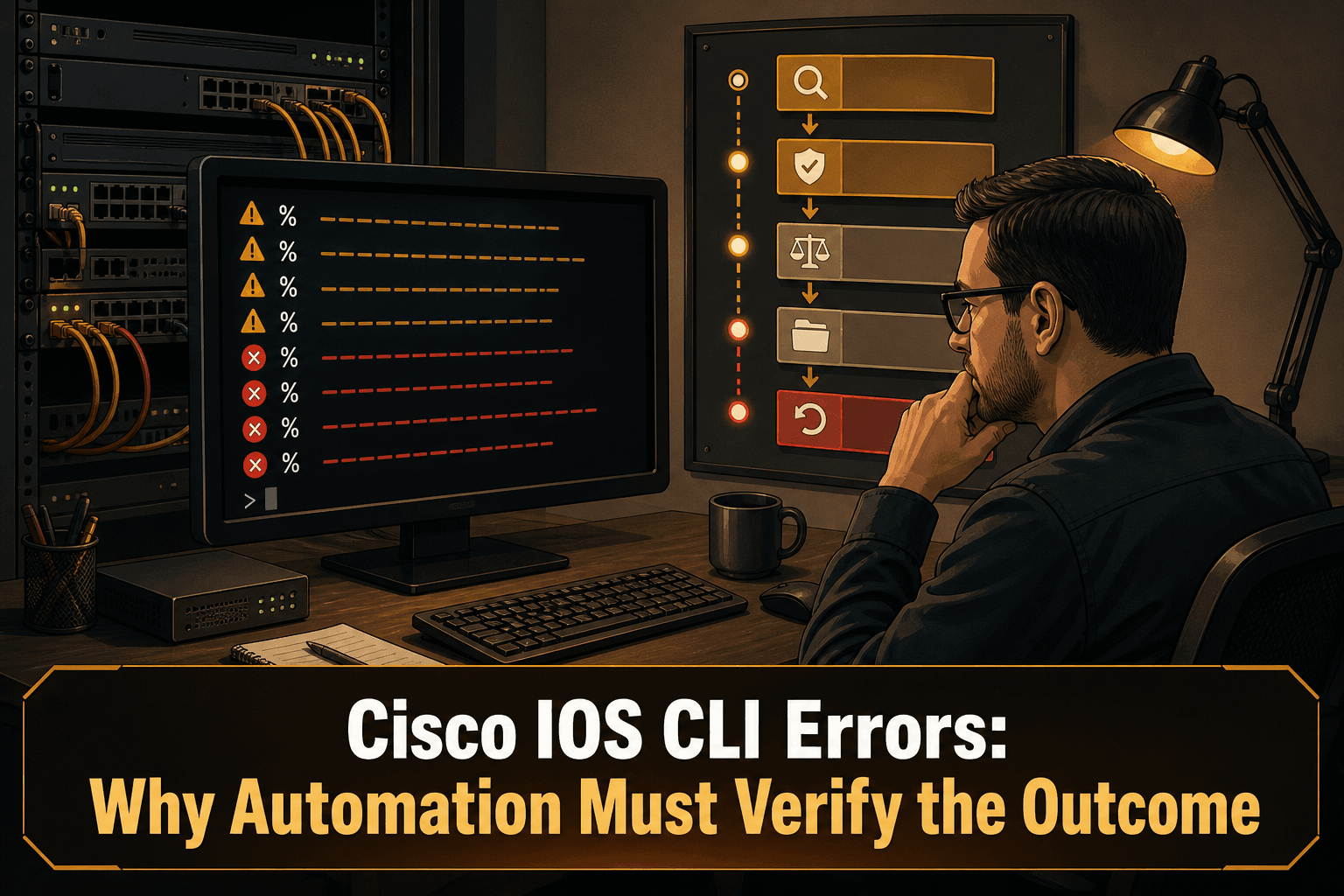
A seemingly practical workaround is to configure % as the error_pattern for send_config_from_file. Cisco IOS configuration errors begin with a percent sign, so the pattern appears to provide an easy failure detector.
Integration testing exposed the flaw: Cisco IOS uses the same prefix for errors and warnings. According to the source, there is no reliable way to distinguish the two based on that marker alone.
A line beginning with
%means that automation should pay attention. It does not, by itself, prove whether the entire change failed.
Why Pattern Matching Alone Breaks Down
A workflow that treats every percent-prefixed line as fatal can stop on a warning. A workflow that ignores those lines can overlook a real configuration error. The shared prefix forces automation into an unreliable binary decision when the CLI output itself does not provide a dependable classification.
This also means that transport success is not configuration success. Entering configuration mode, sending commands, and returning to the expected prompt only proves that the session progressed. It does not prove that every intended command produced the required device state.
The operational question should therefore change from Did the command contain an error-looking string? to Did the device reach the intended state?
A Safer Automation Workflow
1. Capture the complete interaction
Retain the commands sent and the unmodified CLI responses. Do not discard warning lines merely because the session continued, and do not reduce the result to a single success or failure flag too early.
2. Treat % as an attention signal
A percent-prefixed message should trigger additional evaluation, not an automatic conclusion. The automation policy can pause, request review, or proceed to validation, depending on the risk of the change.
3. Validate the intended result
Define post-change checks before execution. Validation should focus on the state the change was supposed to create, rather than relying exclusively on command-response text.
Useful questions include:
Is the intended configuration present after the change?
Is an expected previous setting still present when it should have been replaced?
Did all targeted devices reach the same required state?
Does the resulting configuration satisfy the applicable policy?
4. Compare before and after configurations
A configuration comparison provides evidence of what changed, including partial outcomes. This is especially important when a batch contains several commands and only part of the intended change may have been accepted.
5. Preserve the decision trail
For each run, retain the target asset, intended change, raw CLI output, before-and-after configuration, validation results, and the final operator or automation decision. That evidence makes troubleshooting and compliance review more defensible than a generic failed-job message.
6. Roll back based on verified failure
Rollback should follow an explicit policy. A warning-like message alone may not justify reversal, while a failed state validation may. The known-good configuration and the evidence supporting the decision should be available before remediation begins.
How ConnectMyAssets Helps
ConnectMyAssets provides an on-prem, vendor-agnostic foundation for putting these controls around CLI-driven changes:
Automation & ZTP can serve as the execution layer for controlled changes. Workflows should include explicit outcome validation instead of relying only on a
%pattern.Backup & History provides configuration versioning, making it possible to compare the state before and after a change and use 1-click rollback when a verified failure requires recovery.
Dynamic CMDB keeps the managed asset inventory in the same operational platform, helping teams apply change and validation processes to the correct infrastructure.
Compliance Engine evaluates configurations against requirements including NIS2, ISO 27001, PCI, CISA, and NIST, so post-change review can consider policy compliance as well as command execution.
SSH Bastion and Credential Vault support controlled administrative access without turning a successful SSH session into presumed proof of a successful configuration.
ConnectMyAssets cannot make an ambiguous IOS message unambiguous. Its role is to help teams manage the surrounding process: preserve configuration history, validate the resulting state, assess compliance, and maintain a recovery path.
The Practical Takeaway
Do not use the Cisco IOS percent sign as the sole failure criterion. It identifies output that deserves attention, but it cannot reliably separate warnings from errors.
Reliable network automation requires multiple layers: complete output capture, outcome-based validation, configuration comparison, retained evidence, and policy-driven rollback. The CLI transcript is an input to that decision—not the final verdict.
Source: ipSpace.net