The Management Bootstrap Problem
Even the most capable configuration mechanism needs a way to reach the target device. For a newly started virtual network appliance, that creates a simple dependency: automation cannot begin until the device has a working IP address.
The traditional approach described by ipSpace.net is straightforward:
Start the virtual machine through its graphical interface.
Open a session to the virtual console, either through a telnet connection to the console port or through a full graphical console.
Manually configure an IP address, the SSH server, and user credentials on the first interface.
This initial console session is not the desired long-term management model. It is the bridge that makes normal, network-based configuration possible.
Keep the Manual Stage Small and Repeatable
Reliable lab automation starts by defining a clear boundary between bootstrap work and automated management. The console stage should establish only what the next stage needs:
A known management IP address
A functioning SSH service
Valid user credentials
A management interface that can be reached by the automation environment
These elements should be checked separately. An assigned address does not by itself confirm that SSH is available, and an active SSH service does not prove that the intended credentials work.
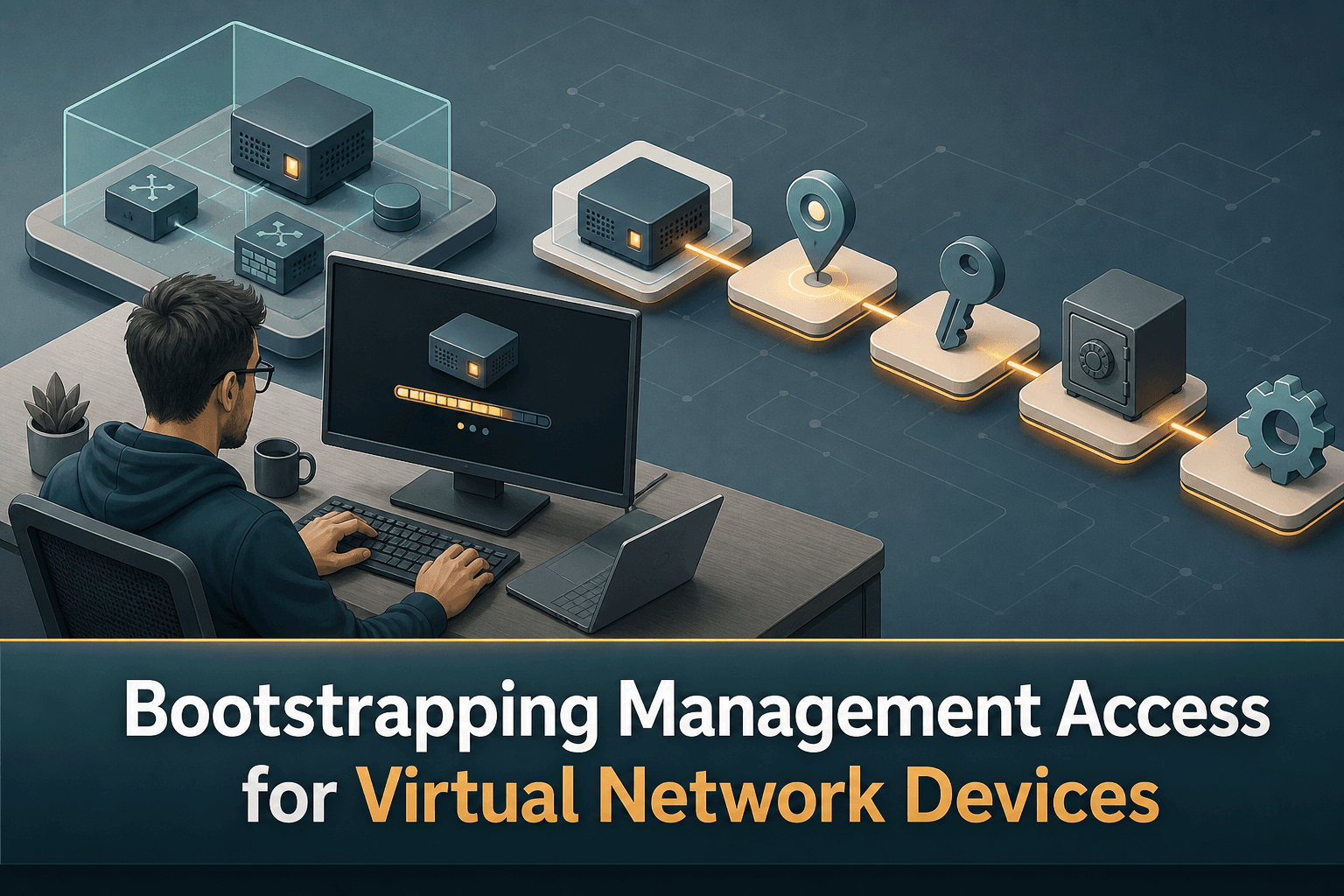
A practical handoff sequence is therefore:
Start the virtual device.
Apply the minimal management configuration from the console.
Confirm IP connectivity.
Test SSH authentication with the intended account.
Transfer the device to the normal inventory, configuration, and automation workflow.
Making this transition explicit reduces ambiguity when a lab deployment fails. Engineers can determine whether the problem belongs to virtual-machine startup, interface addressing, SSH availability, authentication, or the later automation stage.
Treat Credentials as Operational Data
The credentials created during bootstrap become part of the ongoing management path. They should not remain scattered across console notes or ad hoc lab scripts.
The same principle applies to the management address. Once the device is reachable, its address and identity should be recorded consistently so that subsequent jobs target the correct virtual appliance. This is particularly important in labs where devices are frequently created, rebuilt, or replaced.
How ConnectMyAssets Helps
ConnectMyAssets fits immediately after the bootstrap boundary. It does not remove the device’s need for an initial working IP address; it manages the repeatable workflow around and after that first connection.
Credential Vault centralizes the credentials used to authenticate to the newly reachable device.
SSH Bastion provides an on-premises access path for subsequent SSH sessions.
Dynamic CMDB records the asset and its management information within the multi-vendor inventory.
Automation & ZTP supports the transition from minimal bootstrap configuration to repeatable configuration workflows.
Backup & History captures configuration versions after management begins and provides one-click rollback when a known configuration must be restored.
Because ConnectMyAssets is vendor-agnostic and on-premises, engineers can use one operational layer for eligible devices across a mixed virtual lab without making the initial console step disappear. The key is to make that step short, documented, and easy to hand over to managed automation.
A Better Definition of “Ready”
A virtual network device should not be considered ready for automation merely because its virtual machine is running. It is ready when the management address works, SSH is available, the expected credentials authenticate successfully, and the asset can enter the normal management workflow.
That definition turns an informal console task into a dependable automation checkpoint.
Source: ipSpace.net