Faster threats are changing the update equation
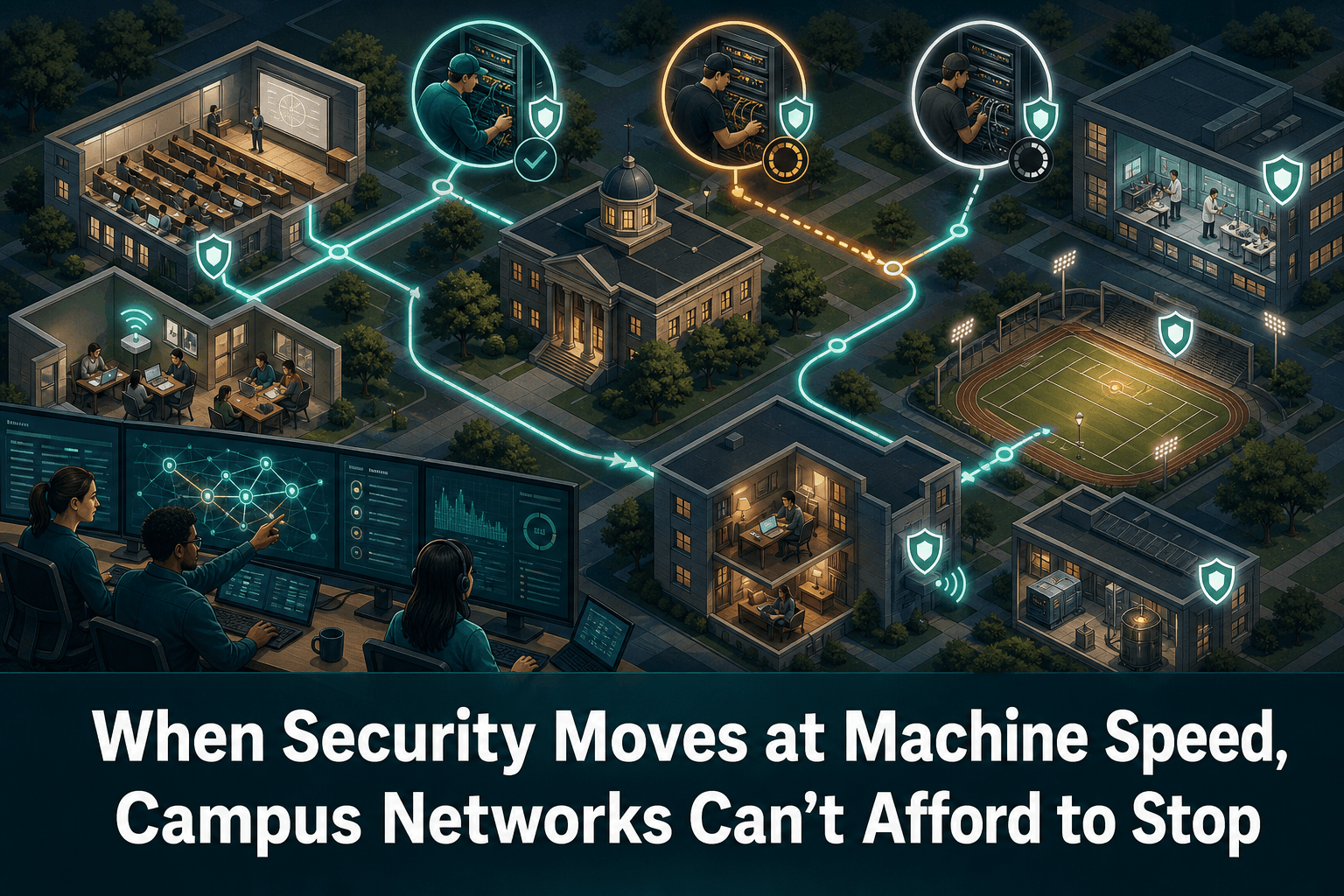
Campus networks support classrooms, offices, research environments, building systems, and many other connected services. Updating their infrastructure is therefore more than a maintenance task: every change must balance security urgency against the operational need to keep users connected.
That balance becomes harder as AI-assisted threats increase the pressure for a faster response. A lengthy interval between identifying exposure and applying protection gives attackers more time to act. Yet rushing an infrastructure update without understanding dependencies can create a different risk—an avoidable service interruption.
Cisco’s article presents Live Protect and xFSU as mechanisms designed to help campus teams reduce exposure, maintain connectivity, and deploy software updates with fewer disruptions. The broader lesson is not that change control should disappear. It is that change processes must become fast enough to match the threat environment.
Rapid protection is most valuable when it is paired with accurate inventory, controlled execution, validation, and a recovery path.
Availability remains part of security
A campus network cannot be considered secure if a rushed response makes critical services unavailable. Conversely, keeping infrastructure online without addressing known exposure is not a sustainable availability strategy.
Teams therefore need to treat software updates as both security events and availability events. That means answering several questions before deployment:
Which devices and locations are affected?
Which services depend on those devices?
Is the proposed protection or software path supported for each asset?
Can deployment be divided into controlled stages?
What evidence will confirm that connectivity and policy enforcement still work?
Is there a known recovery path if validation fails?
Rapid-update technologies can shorten or reduce disruption, but they do not remove the need for these decisions. Their operational value is greatest when teams already know the state, role, and dependencies of the infrastructure involved.
A practical workflow for faster campus updates
1. Establish the affected scope
Start with an accurate inventory of network assets, their software state, and their role on campus. Scope should be based on verified infrastructure data rather than assumptions or manually maintained lists.
This step separates affected equipment from devices that do not require action and helps teams identify locations where an update may carry greater operational impact.
2. Preserve the current state
Before changing software or configuration, capture the current configuration and retain its history. A rapid update should never depend on memory or an undocumented baseline.
Preserving state also makes post-change comparison possible. If behavior changes after deployment, teams can determine whether a configuration difference contributed to the problem.
3. Deploy in controlled stages
Speed does not require an all-at-once rollout. Teams can begin with a limited, representative group, validate the result, and then expand deployment in waves.
The appropriate sequence depends on campus architecture and service priorities. The important point is to define the sequence in advance and establish clear conditions for continuing, pausing, or reversing the rollout.
4. Validate service, not just device status
A device reporting that an update succeeded is only one signal. Validation should also consider whether expected connectivity, routing, access, and policy behavior remain available.
The acceptance criteria should be determined before deployment so that teams are not improvising success conditions during an urgent response.
5. Keep evidence of the change
Document which assets were updated, when the action occurred, what changed, and whether validation passed. This creates an operational record for troubleshooting and supports later compliance review.
Where ConnectMyAssets Fits
Cisco’s Live Protect and xFSU are vendor technologies. ConnectMyAssets provides the vendor-agnostic, on-prem operational context around update decisions, helping infrastructure teams coordinate security response across a multi-vendor estate without replacing the vendor’s own update mechanism.
Relevant ConnectMyAssets modules include:
Dynamic CMDB: identifies assets, software state, locations, and infrastructure relationships so teams can define the rollout scope.
Per-asset CVE Tracking: connects vulnerability information to individual assets, helping teams prioritize remediation based on the infrastructure actually deployed.
Backup & History: preserves configuration versions, shows changes over time, and provides one-click configuration rollback when recovery is required.
Automation & ZTP: supports repeatable, controlled actions across selected devices instead of relying on inconsistent manual execution.
Compliance Engine: records and evaluates infrastructure against policies aligned with NIS2, ISO 27001, PCI, CISA, and NIST requirements.
End-of-Life Tracking: highlights assets whose lifecycle status may limit available protection or update options.
A practical response can begin in the Dynamic CMDB, use CVE Tracking to identify priorities, preserve configurations through Backup & History, and then apply controlled automation where appropriate. The Compliance Engine provides evidence that the required operational and security controls were followed.
Because ConnectMyAssets runs on premises, infrastructure data, configuration history, credentials, and local AI-assisted insights remain under the organization’s control.
Fast does not have to mean fragile
Campus teams should not have to choose between leaving infrastructure exposed and accepting unnecessary downtime. Rapid software-update mechanisms can help narrow that gap, but technology alone is not the complete answer.
The strongest approach combines the vendor’s update capabilities with accurate asset data, configuration protection, staged execution, service validation, and auditable evidence. That allows security response to accelerate without turning availability into collateral damage.
Source: Cisco