What is DHCP Snooping?
DHCP (Dynamic Host Configuration Protocol) allows devices to automatically obtain IP addresses and network parameters such as DNS and gateway.
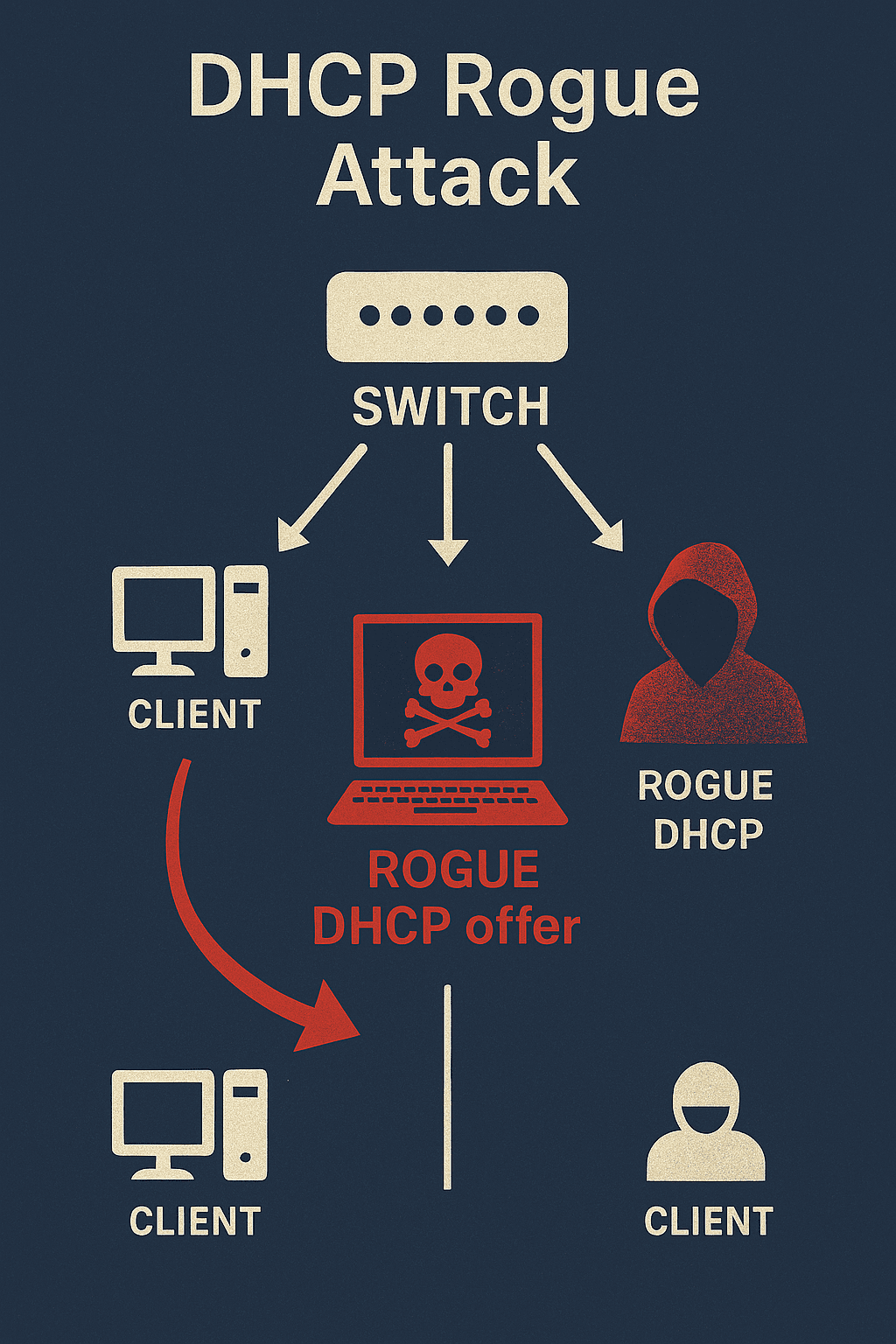
In an unsecured network, any device can act as a DHCP server.
A rogue DHCP server can hand out malicious IP configuration or gateway settings and thereby intercept or disrupt traffic.
DHCP Snooping prevents that by filtering DHCP traffic at the switch level.
The Role of DHCP Snooping
DHCP Snooping filters DHCP messages and classifies switch ports into two categories:
Trusted ports
Role: uplinks, routers, or ports connected to legitimate DHCP servers
Behavior: allow all DHCP messages (DISCOVER, OFFER, REQUEST, ACK, etc.)
Untrusted ports
Role: client-facing access ports (PCs, printers, most Wi-Fi AP ports)
Behavior: allow only client requests (DISCOVER, REQUEST); block server responses (OFFER, ACK)
Any DHCP response received on an untrusted port is dropped, preventing unauthorized DHCP servers from assigning addresses.
A Brief History
DHCP Snooping appeared in the early 2000s, first implemented on Cisco Catalyst switches.
It was later adopted by other vendors (HP/Aruba, Juniper, etc.) and became a standard feature in enterprise switches.
Today, most enterprise switches, including Aruba CX (AOS-CX), provide DHCP Snooping.
How DHCP Snooping Works
When enabled, the switch monitors DHCP packets on configured VLANs.
If a packet is seen on an untrusted port:
The switch only allows DHCP DISCOVER and REQUEST messages from clients.
DHCP OFFER and ACK messages from that port are dropped.
The switch builds and maintains a binding database with entries that include:
Client MAC address
Assigned IP address
VLAN ID
Physical port
The binding database is consumed by other protections such as:
IP Source Guard
Dynamic ARP Inspection (DAI)
Best Practices for Configuration
Enable DHCP Snooping globally on the switch.
Enable DHCP Snooping only on VLANs that actually use DHCP.
Mark uplink ports and DHCP server ports as trusted.
Keep access ports untrusted (default).
Treat Wi-Fi AP trunk ports as untrusted in most setups (unless the AP provides DHCP).
Never mark a random access port as trusted unless you are certain a legitimate DHCP server sits there.
Persist the DHCP Snooping binding database if possible (to survive reboots).
Example: Configuring DHCP Snooping on Aruba CX (AOS-CX)
Below is a simple Aruba CX configuration example for VLAN 10 (users) and VLAN 20 (Wi-Fi):
# Enable DHCP Snooping globally
switch(config)# dhcp-snooping
# Specify VLANs for DHCP Snooping
switch(config)# dhcp-snooping vlan 10,20
# Trust the uplink or DHCP server port
switch(config)# interface 1/1/48
switch(config-if)# dhcp-snooping trust
# Ensure access ports remain untrusted (default)
switch(config)# interface 1/1/1-1/1/24
switch(config-if-range)# no dhcp-snooping trust