More Services for Repeatable Network Labs
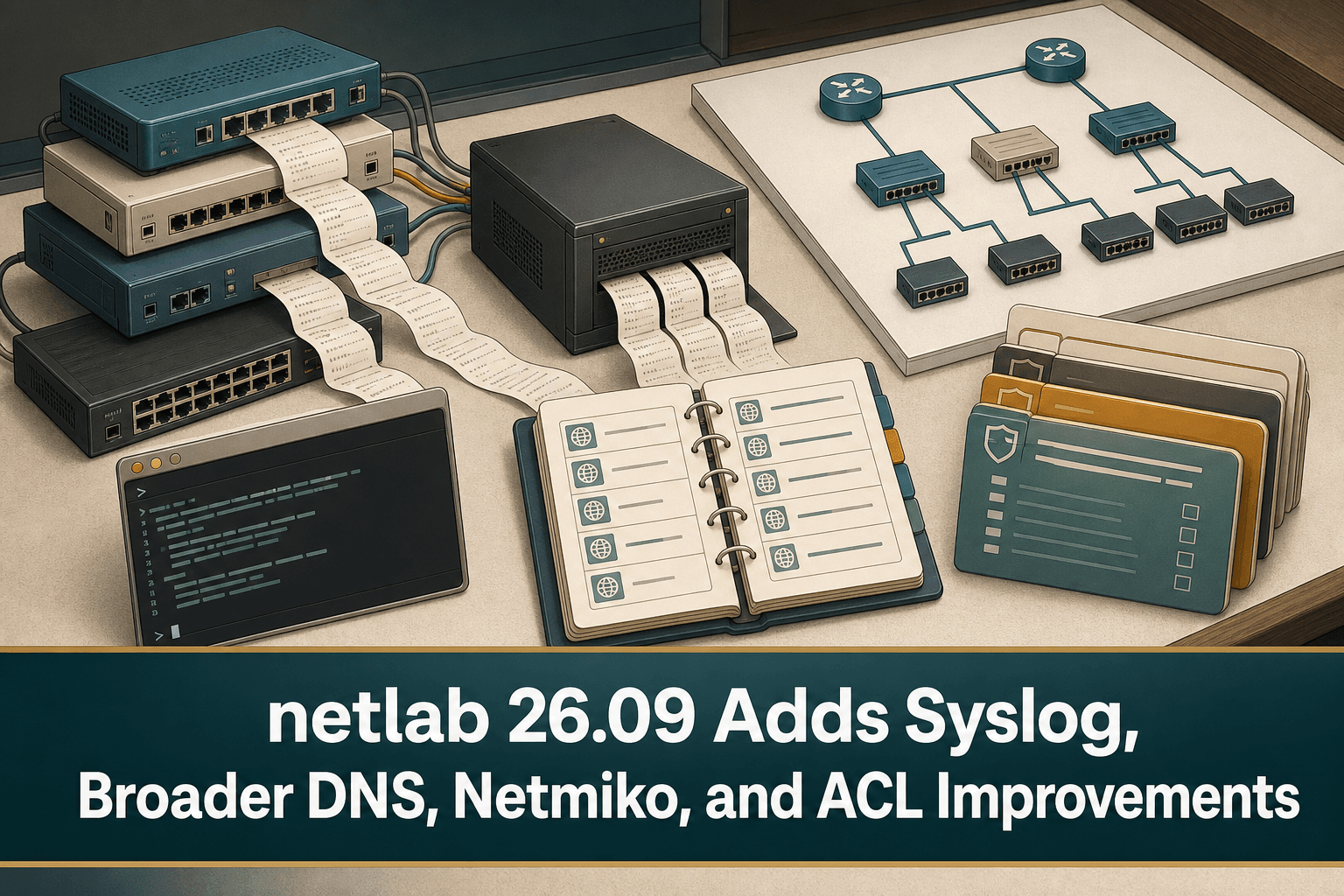
netlab release 26.09 adds several capabilities aimed at building richer multi-vendor network labs. The services module now supports Syslog clients and servers, while DNS and Syslog are implemented on most platforms supported by the project.
These additions make it possible to include more of the surrounding operational environment in a lab topology. Instead of testing routing or switching behavior alone, engineers can account for services such as name resolution and event collection when designing repeatable scenarios.
Netmiko Configuration for Virtual Machines
The release introduces a new Netmiko device configuration mode for virtual machines. This gives lab builders another way to apply device configurations when working with VM-based network environments.
For automation testing, a consistent configuration method matters: it helps teams rerun topologies, refine workflows, and verify changes before using similar procedures in operational networks.
Simpler ACLs and Prefix Lists
netlab 26.09 also adds generic prefix sets. They simplify the creation of ACL rules and prefix lists by allowing address prefixes to be expressed as reusable sets rather than repeatedly embedded in individual rules.
This is particularly useful in multi-vendor labs, where the same intended policy might need to be represented through different platform implementations. Generic constructs can keep the lab definition focused on policy intent while reducing repetitive rule-writing.
What Network Teams Can Test
The new features support several practical lab workflows:
Model Syslog clients and servers as part of a topology.
Include DNS and Syslog services across most supported platforms.
Configure virtual machines through the new Netmiko mode.
Reuse generic prefix sets in ACL rules and prefix lists.
Rebuild scenarios consistently while testing automation and policy changes.
The release therefore strengthens netlab’s role as a place to validate network behavior and automation logic before operational rollout.
Where ConnectMyAssets Fits
netlab provides the controlled environment for developing and testing a change. ConnectMyAssets helps teams manage the corresponding infrastructure lifecycle on premises once that work moves toward production.
Automation & ZTP helps operationalize repeatable configuration and deployment workflows across multi-vendor infrastructure.
Backup & History preserves configuration versions and provides one-click rollback when a deployed change must be reversed.
Compliance Engine evaluates managed infrastructure against policies aligned with NIS2, ISO 27001, PCI, CISA, and NIST requirements.
Firewall Management supports the ongoing management of access-control policy after ACL concepts have been validated in the lab.
Dynamic CMDB maintains an up-to-date inventory and context for the assets affected by a rollout.
A practical workflow is to validate service behavior, configuration logic, and prefix-based policy in netlab, then use ConnectMyAssets to maintain inventory, configuration history, compliance evidence, and controlled automation for the production estate. This positioning does not depend on a single network vendor or cloud-hosted management plane.
Source: ipSpace.net