Extending SRv6 Labs to Junos
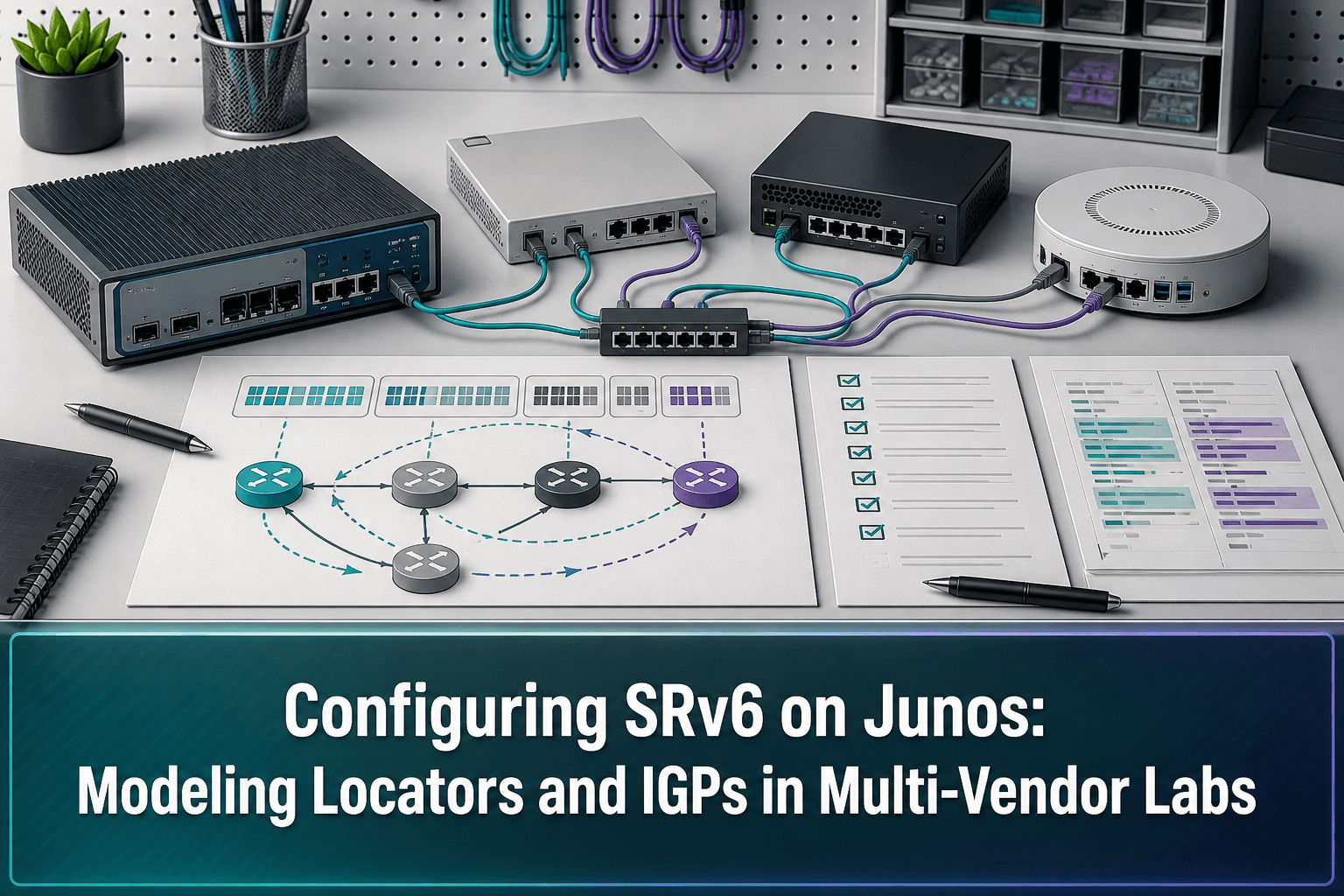
Multi-vendor labs are most useful when the same design intent can be exercised across multiple network operating systems. In the source article, Ivan Pepelnjak describes adding Junos SRv6 support to netlab, with that support included in the 26.10 release.
The implementation focuses on two essential parts of an SRv6 lab design:
The SRv6 locator configuration used by the Junos nodes
The IGP configuration needed for the lab topology
The author characterizes the addition as relatively easy, while sharing lessons learned during the pull-request work. For engineers, the broader value is not merely producing another configuration template. It is making SRv6 examples reusable on more platforms without abandoning a consistent lab model.
A Model-First Validation Workflow
Adding another network operating system to a lab is a good opportunity to separate design intent from platform-specific syntax. A practical workflow is:
Define the topology and SRv6 intent. Identify which nodes run Junos and capture the intended locator and IGP behavior in the lab model.
Generate the Junos configuration. Use the Junos SRv6 support introduced in netlab 26.10 rather than manually recreating every example.
Review the rendered configuration. Confirm that the locator and IGP portions reflect the intended model before deployment.
Deploy into an isolated lab. Keep experimentation separate from production infrastructure.
Validate the resulting state. Check that the Junos nodes and the rest of the multi-vendor topology exhibit the expected routing behavior.
Preserve a known-good baseline. Retain both the modeled intent and the resulting device configuration so later changes can be compared accurately.
This process helps distinguish three different failure domains: an error in the abstract model, an issue in platform-specific generation, or unexpected behavior after deployment.
Why Multi-Vendor Modeling Matters
A single-platform example can prove that a feature works, but it does not necessarily expose differences in configuration structure or implementation assumptions. Introducing Junos into an SRv6 lab creates another point of comparison.
Engineers can use that comparison to ask focused questions:
Is the intended locator represented consistently on every relevant node?
Does the generated IGP configuration match the topology model?
Are platform-specific details isolated from the reusable design intent?
Can the lab be rebuilt and produce a predictable configuration again?
Are configuration changes traceable between test iterations?
The goal is not to force different operating systems to look identical. It is to keep the network intent consistent while allowing each platform to receive an appropriate configuration.
Where ConnectMyAssets Fits
The netlab enhancement addresses modeling and configuration generation for Junos SRv6 labs. ConnectMyAssets can complement that workflow by managing the devices and configuration evidence around repeated testing, without replacing the lab framework.
Relevant modules include:
Dynamic CMDB: Inventory Junos and other vendor assets participating in the lab, with their operational context in one on-premises system.
Backup & History: Capture configuration versions before and after SRv6 experiments, compare changes, and return to a known configuration with one-click rollback when appropriate.
Topology: Maintain visibility into the managed lab assets and their relationships when reviewing intended versus deployed connectivity.
Automation & ZTP: Standardize repeatable operational tasks around lab provisioning and configuration deployment.
Compliance Engine: Check managed configurations against internal controls or applicable NIS2, ISO 27001, PCI, CISA, and NIST-aligned policies.
End-of-Life Tracking: Keep platform lifecycle status visible when deciding which systems should remain in a reusable validation environment.
Because ConnectMyAssets is vendor-agnostic and on-premises, teams can retain configuration history and asset data locally while managing a lab that includes Junos alongside other platforms.
From a Pull Request to a Repeatable Practice
Junos SRv6 support in netlab 26.10 expands the range of platforms available to SRv6 lab authors. The most transferable lesson is methodological: represent locator and IGP intent in a reusable model, inspect the platform-specific output, validate it in a mixed environment, and preserve each known-good state.
That combination turns an individual lab example into a repeatable engineering asset.
Source: ipSpace.net