Best Practices for Network Configuration Backup
How to Protect Your Infrastructure from Misconfigurations, Failures, and Compliance Risks
Network configuration backups are not optional — they’re a core resilience mechanism.
From accidental misconfigurations to ransomware, the ability to restore your network within minutes determines your operational continuity.
Why Configuration Backups Are Critical
Business Impact
According to Gartner, network downtime costs between $5,600 and $9,000 per minute in large enterprises.
Without recent configuration backups, even minor failures can escalate into prolonged outages — especially in multi-site or multi-vendor environments where reconfiguring each device manually is slow and error-prone.
Compliance Requirements
Frameworks like NIS2, SOX, HIPAA, and ISO/IEC 27001 explicitly require tested backup and recovery procedures.
Auditors increasingly expect evidence of configuration integrity — not just data backups, but also proof that network device configurations can be restored and verified.
A configuration backup is not a file; it’s a control — one that proves operational resilience and compliance maturity.
Proven Backup Best Practices
1. Automate and Schedule Intelligently
Manual backups fail due to human error.
Automate them based on network dynamics:
High-change networks: Backup after every configuration change or daily at minimum
Stable environments: Weekly backups may suffice
Trigger-based: Initiate automatically after a detected configuration diff (via syslog or API)
Tip: Integrate backup triggers with your CI/CD or change management pipeline for zero human dependency.
2. Implement Configuration Versioning
Each backup should have version control and metadata tagging (date, device, hash).
This enables:
Rollback to the last known-good configuration
Tracking configuration drift across sites
Change correlation with incidents
Regulatory traceability (who changed what, and when)
Versioning is also crucial for detecting unauthorized configuration changes — a common security gap in hybrid infrastructures.
3. Secure and Redundant Storage
Backups are a prime target for attackers. Follow these security fundamentals:
Encrypt backups in transit (TLS) and at rest (AES-256)
Store copies in segmented, access-controlled environments
Maintain geo-redundant backup locations
Implement immutable storage (e.g., WORM, S3 Object Lock) to prevent ransomware deletion
Enable audit logging for every access and modification event
4. Test Restorations Regularly
A backup is only as good as your ability to restore it.
Perform quarterly restore tests that validate:
File integrity and syntax correctness
Compatibility with current device firmware
RTO (Recovery Time Objective) and RPO (Recovery Point Objective) targets
Team readiness and documentation accuracy
Many teams skip restoration drills — until the day they need one. That’s too late.
5. Support Multi-Vendor and Multi-Platform Environments
Modern networks blend Cisco, Aruba, Juniper, Fortinet, Palo Alto, Dell, HP and cloud-managed devices (Meraki, Aruba Central, FortiCloud).
An effective backup strategy must:
Parse vendor-specific syntaxes and configurations
Normalize configurations into a common format for search and comparison
Maintain interdependencies (e.g., VRFs, VLAN mappings, ACLs)
Support APIs and CLI-based retrieval
Tools that can’t interpret vendor nuances create silent gaps in your disaster recovery plan.
Common Pitfalls to Avoid
Storing backups on the same network they’re protecting
Skipping post-backup validation of syntax or completeness
No retention strategy, leading to storage overload or missing history
Ignoring encrypted credentials, rendering restorations incomplete
Not monitoring backup jobs, leaving silent failures undetected
Industry References
NIST SP 800-34 Rev.1 — Contingency Planning Guide for Federal Information Systems
ENISA — Good Practices for Resilient Network and Information Systems
How ConnectMyAssets Helps
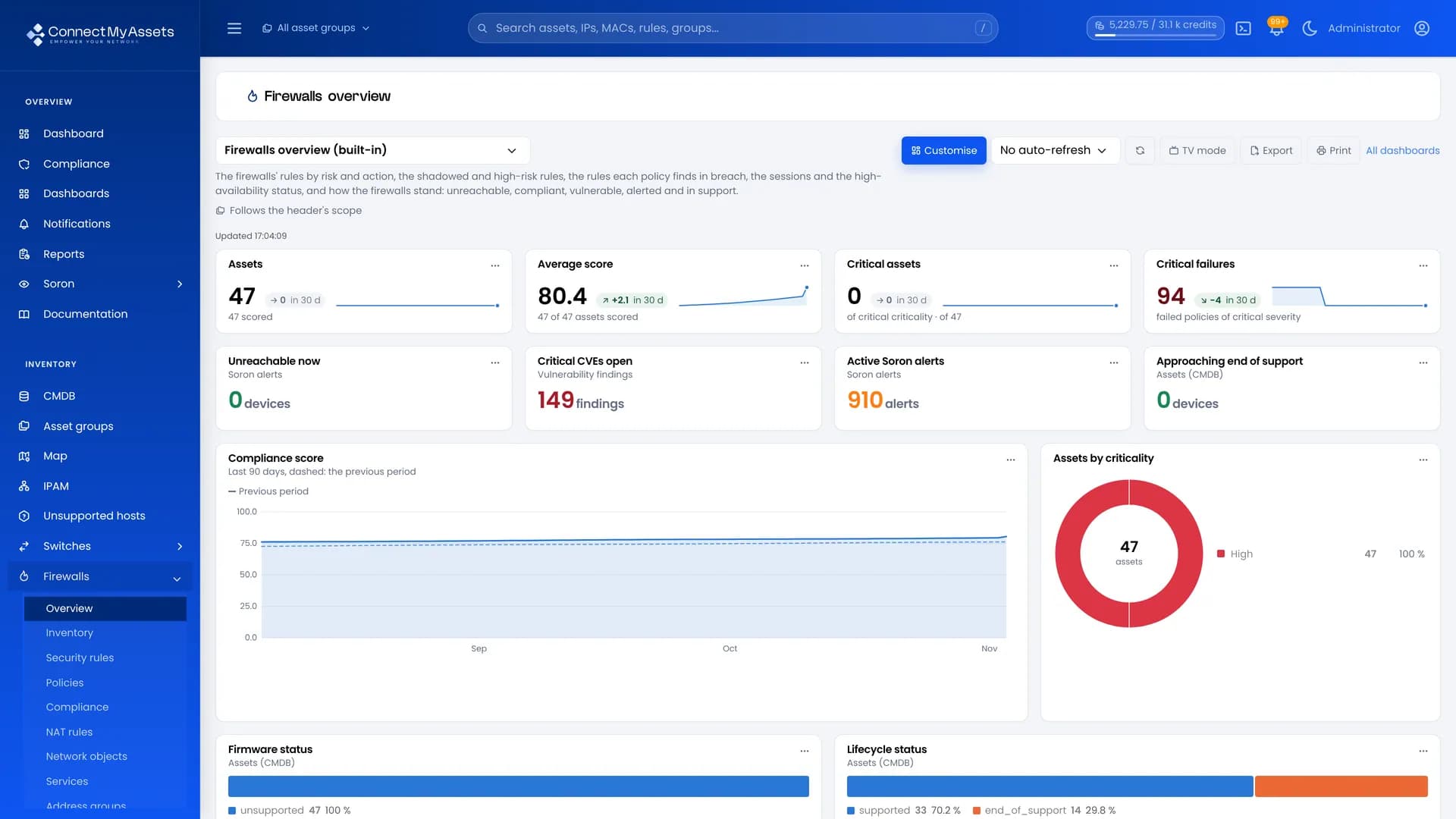
At ConnectMyAssets, network configuration backups are not just a checkbox — they’re automated, validated, and integrated into compliance workflows.
Automated multi-vendor backup engine with on-change detection
Versioned and encrypted storage hosted in your own on-premise infrastructure
Instant restoration with validation and change preview
Compliance-ready audit trails mapped to NIS2 and ISO/IEC 27001 controls
With ConnectMyAssets, every configuration change is captured, stored, and restorable — making your network not just operational, but resilient.
Key Takeaway
A reliable backup strategy blends automation, security, and testing discipline.
Tools like ConnectMyAssets transform this from a manual chore into a continuous, auditable control — ensuring your infrastructure can recover from anything.