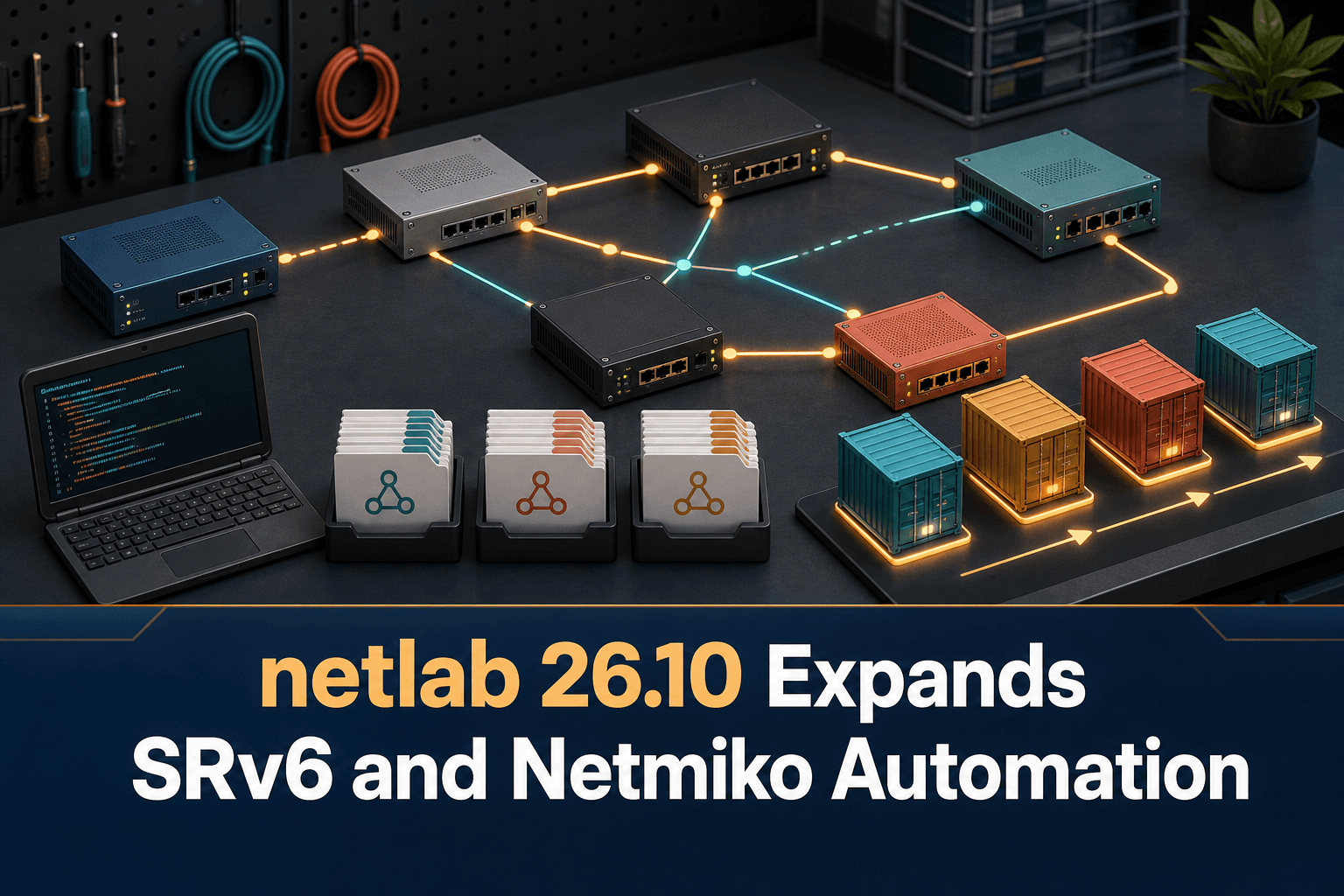
Broader SRv6 Coverage for Multi-Vendor Labs
netlab 26.10 adds several Segment Routing over IPv6 implementations and features. The release covers different platforms and service scenarios:
Junos: full SRv6 support, including IS-IS, Layer 3 services, and L3VPN.
Nokia SR Linux: SRv6 with IS-IS and SRv6 Layer 3 services.
FRRouting and Cisco IOS XR: IPv4 Layer 3 services using SRv6 locators exchanged over EBGP.
For network engineers, this broader coverage makes netlab more useful for comparing how multiple implementations express the same underlying architecture. Teams can build repeatable scenarios around routing, locator exchange, and Layer 3 services instead of limiting an SRv6 lab to a single network operating system.
It also creates opportunities to test where implementations align and where configuration or operational behavior differs. Those differences matter when a design is intended for a heterogeneous network rather than a single-vendor environment.
Easier Netmiko-Based Configuration
The release adds a dedicated installation command:
netlab install netmikoThis command installs the Netmiko and Paramiko packages required for Netmiko-based device configuration. It also helps users change the device configuration mode for supported devices.
That reduces setup friction for labs using Netmiko as the configuration transport. Instead of treating Python dependencies as a separate preparation task, engineers gain a clearer path from topology creation to automated device configuration.
The practical benefit is repeatability: the same lab can be rebuilt and configured through an automation workflow, making it easier to rerun tests after changing a topology, service definition, or device image.
Generic Prefix Sets for Static Routes
netlab 26.10 also introduces generic prefix sets for static routes. In multi-vendor labs, a generic model helps keep the intended routing policy separate from platform-specific configuration syntax.
This is useful when the goal is to exercise the same static-routing scenario across several device types. Engineers should still validate the generated configuration and resulting forwarding behavior on every target implementation, but the shared abstraction can make scenarios easier to define and reuse.
More Control Over Containerlab Startup
Container-based topologies do not always benefit from having every node start simultaneously. Some nodes may need to be available before dependent systems are launched, while large labs may be easier to initialize in smaller groups.
netlab 26.10 addresses both cases. containerlab nodes can start in batches or wait for other nodes to start. This enables a more deliberate startup sequence and can better reflect dependencies within a topology.
For automation pipelines, startup ordering is important because configuration attempts can fail when a target is not yet ready. Batch and dependency-aware startup provide another way to make lab initialization more predictable.
What the Release Means for Lab Workflows
Taken together, the enhancements strengthen several stages of a multi-vendor testing workflow:
Model SRv6 and Layer 3 service scenarios across multiple implementations.
Control the order in which containerlab nodes become available.
Install the packages needed for Netmiko-based configuration through a dedicated command.
Reuse generic prefix sets in static-route tests.
Compare generated configurations and observed behavior across platforms.
The release is therefore not only about adding protocol coverage. It also improves how engineers bring up, configure, and repeat heterogeneous network labs.
Where ConnectMyAssets Fits
netlab addresses design validation and repeatable lab construction. ConnectMyAssets fits after those designs move toward operational infrastructure, providing an on-prem, vendor-agnostic platform for managing the resulting multi-vendor estate.
Relevant ConnectMyAssets modules include:
Dynamic CMDB to maintain an up-to-date inventory of deployed network assets.
Backup & History to version device configurations and provide one-click rollback.
Automation & ZTP to standardize operational changes and provisioning workflows.
Compliance Engine to assess configurations against NIS2, ISO 27001, PCI, CISA, and NIST requirements.
Per-asset CVE Tracking and End-of-Life Tracking to connect configuration decisions with vulnerability and lifecycle exposure.
Topology to maintain operational visibility across multi-vendor infrastructure.
ConnectMyAssets does not replace the lab functions described in netlab 26.10. It complements them by helping teams preserve configuration history, asset context, compliance evidence, and lifecycle visibility once validated designs are applied to managed networks.
Source: ipSpace.net