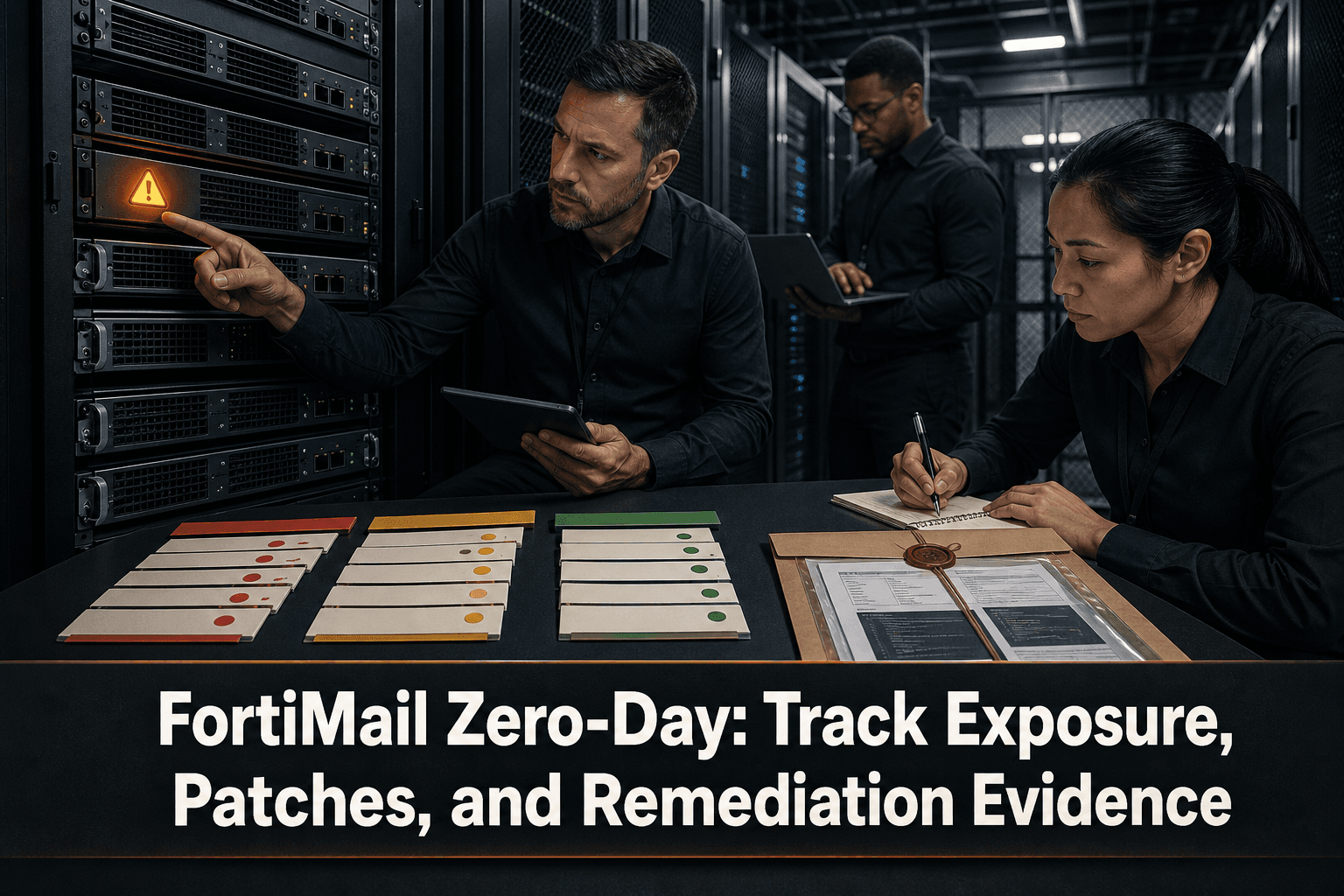
A FortiMail Flaw Under Active Exploitation
Fortinet has sounded the alarm over a FortiMail zero-day that requires no login, according to reporting from The Register. Exploitation is already underway, and some administrators are still waiting for patches.
That combination makes inventory accuracy critical. When authentication is not required, changing passwords alone does not address the underlying exposure. Security and network teams must identify every relevant appliance, determine its exact firmware state, follow Fortinet’s current guidance, and document what was checked or changed.
The available report confirms active exploitation and patch delays, but the supplied source summary does not specify a CVE identifier, affected firmware versions, or technical indicators of compromise. Those details should not be inferred; validate them against Fortinet’s current advisory.
Build a Firmware-Level Exposure List
A hostname count is not enough during an actively exploited appliance vulnerability. Each FortiMail deployment should have an accountable owner and a verified technical state.
Record at least:
Physical, virtual, production, standby, and disaster-recovery instances
Exact installed firmware, verified directly from the asset
Internet exposure and the appliance’s operational role
Business owner and technical remediation owner
Patch availability for that specific firmware branch
Last configuration backup and last verified change
Investigation status and evidence location
Any approved exception or compensating control
Classify assets into practical remediation cohorts:
Affected, fixed firmware available: prioritize testing and deployment according to vendor guidance.
Affected, fix not yet available: apply only vendor-supported mitigations and monitor for updated guidance.
Potentially affected, status unverified: treat uncertainty as an operational risk and verify immediately.
Confirmed outside the affected scope: retain the evidence used to reach that conclusion.
Because affected-version information may change as an investigation develops, attach a source and timestamp to every firmware decision.
Handle Exploitation Indicators Carefully
The report states that exploitation is underway, but the supplied summary does not provide IP addresses, filenames, log patterns, or other indicators. Teams should avoid circulating unverified indicators or assuming that the absence of a single log entry proves an appliance is clean.
When Fortinet or another trusted authority publishes indicators, record:
The indicator’s original source and publication time
Which assets and time ranges were searched
The query or investigation method used
Positive, negative, or inconclusive results
Escalation and containment decisions
Keep detection work separate from remediation status. Installing fixed firmware does not retrospectively establish that an appliance was never compromised, while finding no known indicator does not remove the need to patch.
Preserve Remediation Evidence
For each FortiMail asset, create a defensible record covering both the technical change and the security review:
Pre-change firmware and timestamped configuration snapshot
Change ticket, approver, operator, and maintenance window
Vendor guidance followed
Mitigation or fixed firmware applied
Post-change firmware verification
Service validation and configuration comparison
Indicator review and investigation outcome
Open exceptions, responsible owner, and review date
If a patch is not yet available, document that explicitly. Include when patch availability was last checked, which temporary measures were approved, and when the asset will be reviewed again.
How ConnectMyAssets Helps
ConnectMyAssets provides an on-prem, vendor-agnostic workflow for managing this kind of appliance response:
Dynamic CMDB: centralizes FortiMail assets, firmware, ownership, exposure, and remediation status alongside the rest of the multi-vendor infrastructure.
Per-asset CVE Tracking: links vulnerability records to individual appliances when an identifier and affected-version data are available, without inventing mappings for unverified firmware.
Backup & History: preserves timestamped configuration versions before and after remediation, with change history and rollback capabilities.
Compliance Engine: organizes technical evidence, exceptions, and control status for frameworks such as NIS2, ISO 27001, PCI DSS, CISA, and NIST.
Automation: supports controlled collection and remediation workflows after commands and firmware procedures have been validated in a safe environment.
End-of-Life Tracking: identifies appliances or software branches that may complicate patching and require replacement planning.
Because ConnectMyAssets runs on premises, firmware inventories, configurations, credentials, and investigation records remain under the organization’s control. The immediate goal is not merely to mark a ticket as patched, but to prove which assets were exposed, what action was taken, and what remains unresolved.
Source: The Register