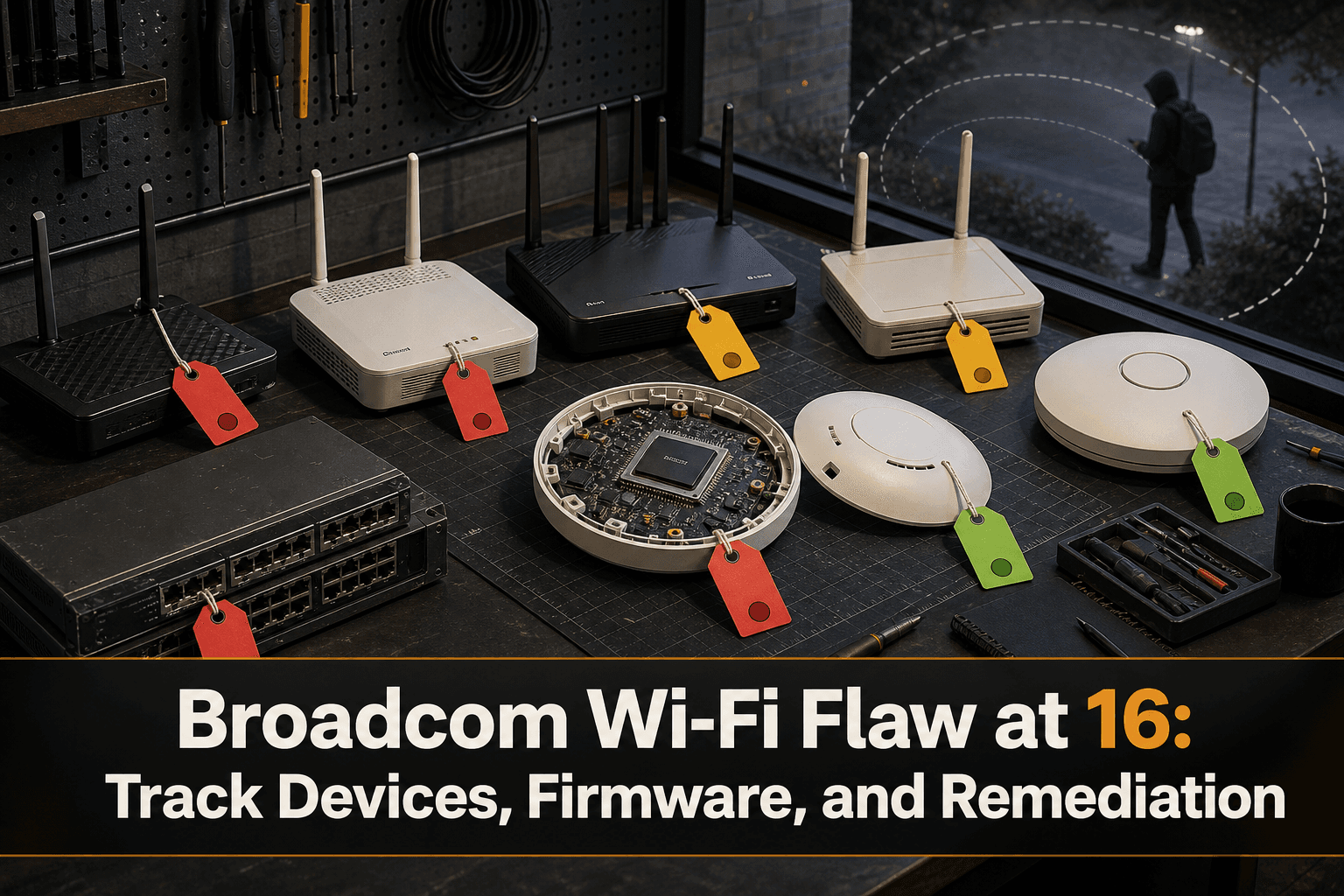
A Broadcom Wi-Fi vulnerability has reached an uncomfortable milestone: according to reporting by The Register, the flaw is now 16 years old and may still affect millions of devices. A researcher also claims Broadcom knew about the issue in 2018.
The immediate concern is router hijacking. The longer-term operational lesson is equally important: vulnerabilities in widely used components can remain embedded across products from multiple device vendors, generations, and firmware branches.
The Inventory Problem Behind a Long-Lived Flaw
A chipset vulnerability cannot be managed effectively with a list of router brands alone. Broadcom components may sit inside devices sold under different product names, while firmware and vendor support status can vary by model and hardware revision.
Network and security teams therefore need to answer four distinct questions:
Which managed devices contain the affected Broadcom technology?
Which firmware release is installed on each device?
Is that specific model and firmware combination considered exposed?
Has remediation been completed, validated, and documented?
The source does not provide an affected-version list in its summary, so teams should avoid treating every Broadcom-based device as identically affected. Exposure decisions should be tied to confirmed vendor information and the exact hardware and firmware deployed.
Build an Evidence-Based Response
1. Find potentially affected assets
Start with routers, access points, gateways, and other Wi-Fi infrastructure. Record the manufacturer, model, hardware revision, serial number, deployed firmware, location, owner, and support status.
Chipset data is not always present in a standard device inventory. Where it is missing, enrich the asset record using authoritative vendor documentation and keep the evidence attached to the device.
2. Map firmware precisely
A model name is not a firmware state. Two visually identical devices may run different releases or have different hardware revisions.
Capture the active firmware from the device wherever possible. Then classify each asset as:
Under investigation
Confirmed exposed
Not affected based on vendor guidance
Remediation available
Remediation scheduled
Remediated and validated
Replacement required
3. Prioritize by exposure and role
A vulnerable device providing critical connectivity or operating in a sensitive segment warrants greater urgency than an isolated lab unit. Prioritization should consider the device’s network role, accessibility, dependencies, and the operational consequences of downtime.
Do not let uncertainty become an invisible status. Assets that cannot yet be confirmed as affected or unaffected should remain in an explicit investigation queue.
4. Preserve configuration state
Before changing firmware or replacing hardware, save the current configuration and document the approved change. After remediation, validate that routing, wireless, access-control, and management settings remain correct.
Configuration history is especially valuable when an update introduces unexpected behavior or when teams must prove what changed during the response.
5. Track unsupported equipment
A device may remain exposed because no remediation is available, because its vendor no longer supports it, or because the organization cannot safely apply an update yet. Those are different conditions and require different actions.
Unsupported devices should enter a replacement workflow with a named owner, target date, and documented interim controls.
How ConnectMyAssets Helps
ConnectMyAssets provides an on-prem, vendor-agnostic way to coordinate this work across a mixed network estate:
Dynamic CMDB inventories devices, models, firmware releases, locations, ownership, and relationships so teams can build a review scope for Broadcom-based equipment.
Per-asset CVE Tracking links vulnerability work to individual assets when an applicable advisory or identifier has been confirmed.
Backup & History preserves configuration versions before firmware changes and supports 1-click rollback when configuration restoration is required.
End-of-Life Tracking highlights devices that may no longer receive vendor fixes and need replacement planning.
Compliance Engine records remediation evidence and control status for frameworks including NIS2, ISO 27001, PCI, CISA, and NIST.
Automation helps teams collect firmware details and carry out approved remediation workflows consistently across supported devices.
Topology adds operational context by showing where a potentially exposed device sits and which services or assets depend on it.
Because ConnectMyAssets runs on premises, inventory, configurations, credentials, and vulnerability context remain within the organization’s environment.
A Vulnerability Is Not Closed Until the Asset Record Is Closed
A long-lived component flaw exposes the limitations of one-time vulnerability scans and spreadsheet-based inventories. The practical objective is not merely to acknowledge the warning, but to maintain a defensible record connecting each device to its component data, firmware state, exposure decision, remediation action, and final validation.
For this Broadcom Wi-Fi issue, begin with discovery and evidence. Avoid assumptions based solely on branding, keep unknown devices visible, and distinguish systems that were updated from those that must be replaced.
Source: The Register