In today’s fast-moving IT environment, network devices such as switches, routers and firewalls are critical infrastructure.
While much attention is paid to user access and endpoints, the devices that make core connectivity possible often remain protected by weak or inconsistent authentication methods.
That’s why adopting the TACACS+ protocol for authentication, authorization and accounting (AAA) is a significant step up in securing your network infrastructure.
How TACACS+ Works
TACACS+ is a protocol designed specifically for administrative access to network devices.
Here's a simplified overview of its operation:
Authentication:
A network device (e.g., a switch) acts as a TACACS+ client and forwards admin login credentials to a central TACACS+ server.Authorization:
Once authenticated, the server returns not just “yes/no” but a detailed policy of what commands the user is allowed to execute (for example:showcommands,configcommands,enablemode, etc.).Accounting:
The server logs what actions the user executes, how long the session lasts, and details of commands and privilege levels.
Key Protocol Features
Some key protocol-level details that set TACACS+ apart:
Uses TCP (port 49) for reliable packet delivery.
Encrypts the entire packet payload, not just the password field.
Separates Authentication, Authorization, and Accounting processes rather than combining them (as happens in other protocols like RADIUS).
What Does This Bring in Terms of Security?
Let’s compare two scenarios:
A simple switch using a local password vs. the same switch using TACACS+.
Scenario A — Switch with a Local Password
A single password (or shared credential) is configured on the switch’s local user database.
Each administrator uses the same credential or perhaps unique credentials but still stored locally.
No central logging of which user made which change.
If the switch is compromised (password leaked, default account exists), an attacker gains full device access.
If multiple devices each use different local credentials, you still have many credential stores to manage, rotate, and audit.
Scenario B — Same Switch, Using TACACS+
The switch forwards authentication to a central TACACS+ server.
Administrators log in with unique credentials (possibly tied to your identity directory).
Authorization controls what commands each admin can run — e.g., some can only “view” status, others can change configuration.
All actions (who logged in, when, what they did) are logged in one place.
If one administrator leaves, you simply disable their account in the central directory — they lose access everywhere.
The shared secret between the switch and the server is secure, and device configuration becomes uniform and auditable.
Result:
The TACACS+ approach significantly reduces risk. Credential sprawl is avoided, auditing is improved, and the “who did what” question is answered.
In contrast, the local password model is brittle, hard to audit, and easily mismanaged.
Example Configuration for Aruba Switches
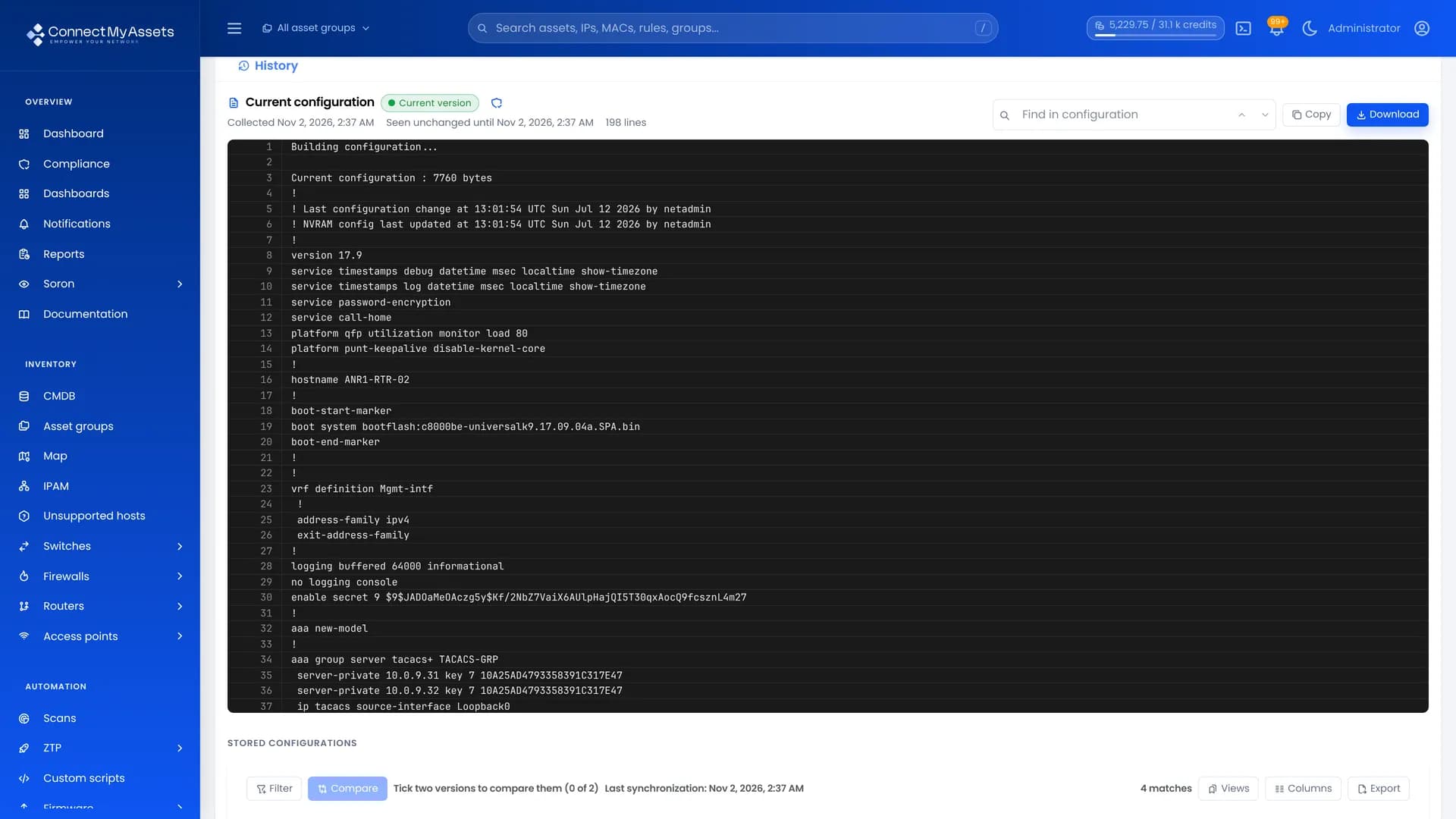
Here’s a simple example of how you might configure an Aruba (AOS-CX) switch to use TACACS+ for admin access.
Adjust the details (IP addresses, secrets, usernames) to match your environment.
Configure TACACS+ Server
tacacs-server host <YOUR_TACACS_SERVER> key plaintext <YOUR_PASSWORD>
Configure AAA Policy
aaa authentication login default group tacacs local aaa authorization commands default group tacacs local aaa accounting all-mgmt default start-stop group tacacs local
Configure Local User (Break-Glass Account)
Used only if TACACS+ server is unavailable user admin group administrators password plaintext <YOUR_PASSWORD>
Explanation
The switch contacts the TACACS+ server using the configured key or password.
Admin login tries TACACS+ first; if unreachable, it falls back to the local database.
Authorization ensures commands are logged and restricted by role.
Final Thoughts
In an era when network infrastructure is increasingly targeted, securing access to your switches, routers and firewalls is non-negotiable.
Using TACACS+ for device authentication brings:
Centralized credential management
Fine-grained authorization
Robust auditing
All contributing to a far more secure and manageable network environment.
While simple local passwords may suffice in very small setups, they don’t scale, don’t provide adequate auditing, and incur unnecessary risk.
For any organization serious about network security and accountability, TACACS+ is the better choice.
By making this shift, you move from a “trust but hope” model to one of control, visibility and resilience.