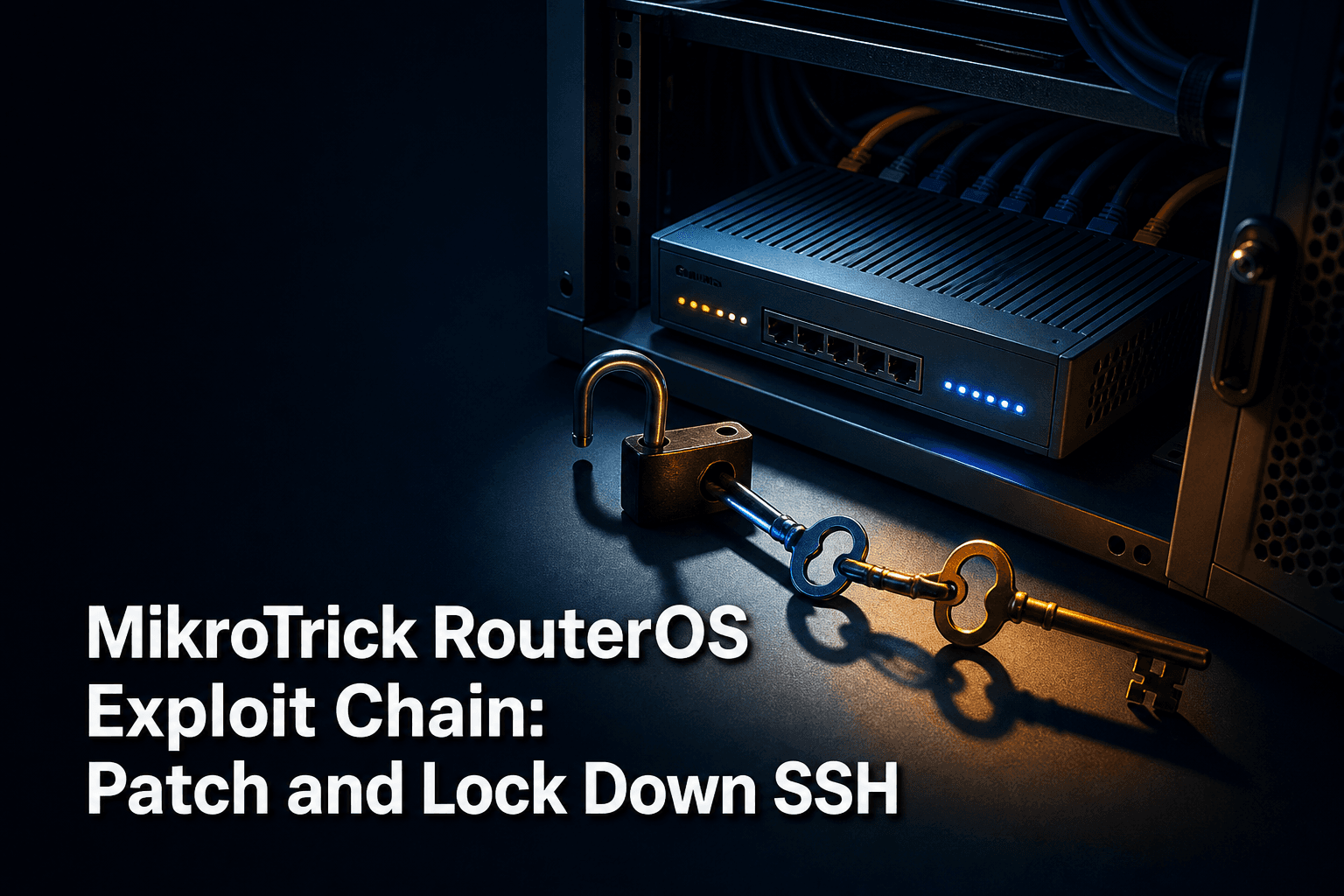
MikroTik has released RouterOS updates for six vulnerabilities affecting components including SSH, WebFig, bandwidth testing, certificate handling, and the SSH client. Two of the flaws can be chained to take full control of routers whose SSH service is reachable from public networks, and CERT Polska has observed active attacks using the chain.
How the MikroTrick Chain Works
The first vulnerability, CVE-2026-67276, results from incomplete validation of RSA public keys during SSH authentication. An attacker who knows a username and the public modulus of that user's key can construct a private key that RouterOS accepts, gaining the privileges of the targeted account.
The second vulnerability, CVE-2026-86060, involves RouterOS handling of usernames beginning with special characters. Chaining it with the authentication flaw allows an attacker to escalate privileges and obtain full administrative control of the underlying system.
The broader set of six patched vulnerabilities affects several RouterOS components:
SSH server and client
WebFig management interface
Bandwidth-test service
X.509 certificate handling code
Internet-Exposed SSH Raises the Risk
Public SSH access is not enabled by default, but Shadowserver Foundation scans found more than 122,500 MikroTik devices with SSH reachable from the internet. The largest observed concentrations were in Brazil, the United States, and Indonesia.
MikroTik recommends against enabling SSH on the internet interface. If SSH access has been opened manually, access should be restricted to trusted IP addresses or replaced with VPN-based management using WireGuard, with no management ports directly exposed.
Fixed RouterOS Releases
MikroTik issued patches in the following RouterOS releases:
RouterOS 7.25 beta 3
RouterOS 7.24.2
RouterOS 7.23.4
RouterOS 6.49.21
Asset owners should inventory RouterOS devices, record their installed firmware releases, identify which management services are exposed, and prioritize internet-facing routers for immediate remediation.
Responding to Possible Compromise
RouterOS can mark a device as Flagged when its configuration shows signs of unauthorized changes. This status is written to the Log section, but it does not identify which vulnerability was exploited. CERT Polska also cautions that the absence of the marker does not prove that a router is safe.
If a router is marked Flagged:
Isolate it immediately.
Preserve its configuration and logs for investigation.
Reset it to factory defaults.
Reconfigure it from a known-clean file.
Rotate every key and password used on the device.
If updates cannot be installed immediately, block or disable SSH, WWW, WWW-SSL, and the bandwidth-test server on untrusted networks. These restrictions reduce exposure but should not replace installation of the corrected firmware.
How ConnectMyAssets Helps
ConnectMyAssets runs as a hardened on-prem OVA, keeping infrastructure data within the organization. In environments where MikroTik routers operate alongside supported multi-vendor network gear, its modules can strengthen the surrounding inventory, exposure-management, and remediation process:
Dynamic CMDB automatically discovers managed assets and uses LLDP data to map topology and dependencies.
CVE Tracking associates vulnerabilities with individual managed assets, helping teams prioritize exposed infrastructure.
Firewall Management supports cross-vendor policy review and helps uncover rules that unnecessarily expose management services.
SSH Bastion provides audited, browser-based SSH access for managed devices, reducing reliance on directly exposed administrative ports.
Backup & History maintains SHA256-verified configuration versions and supports one-click rollback on supported equipment.
Compliance Engine scores controls against frameworks including NIS2, ISO 27001, PCI-DSS, CISA, and NIST.
Automation & ZTP can distribute approved changes across supported infrastructure at scale.
These capabilities do not replace MikroTik's prescribed isolation, factory-reset, and clean-reconfiguration process for a compromised RouterOS device. They help teams maintain the accurate asset records, controlled administrative access, configuration history, and remediation oversight needed to respond consistently across the rest of the managed network.
Source: Network World